Accessing crate documentation offline
I recently started learning Rust by diving into using the Bevy Engine to make a game (check out my dev logs here if you’re interested). I came around a problem when on a trip and not having reliable Internet at all times. I couldn’t access documentation for Bevy or Rust! 😱
I thought to myself, I need to find a way to look up documentation offline when I travel back to the Mexico and know I won’t have reliable internet.
Cargo Doc
Thankfully, I did not have to look too far as Rust tooling provides an easy way to manage this by simply generating docs for your entire project and dependencies by using cargo doc or for a specific dependency like so, cargo doc --package PACKAGE_NAME.
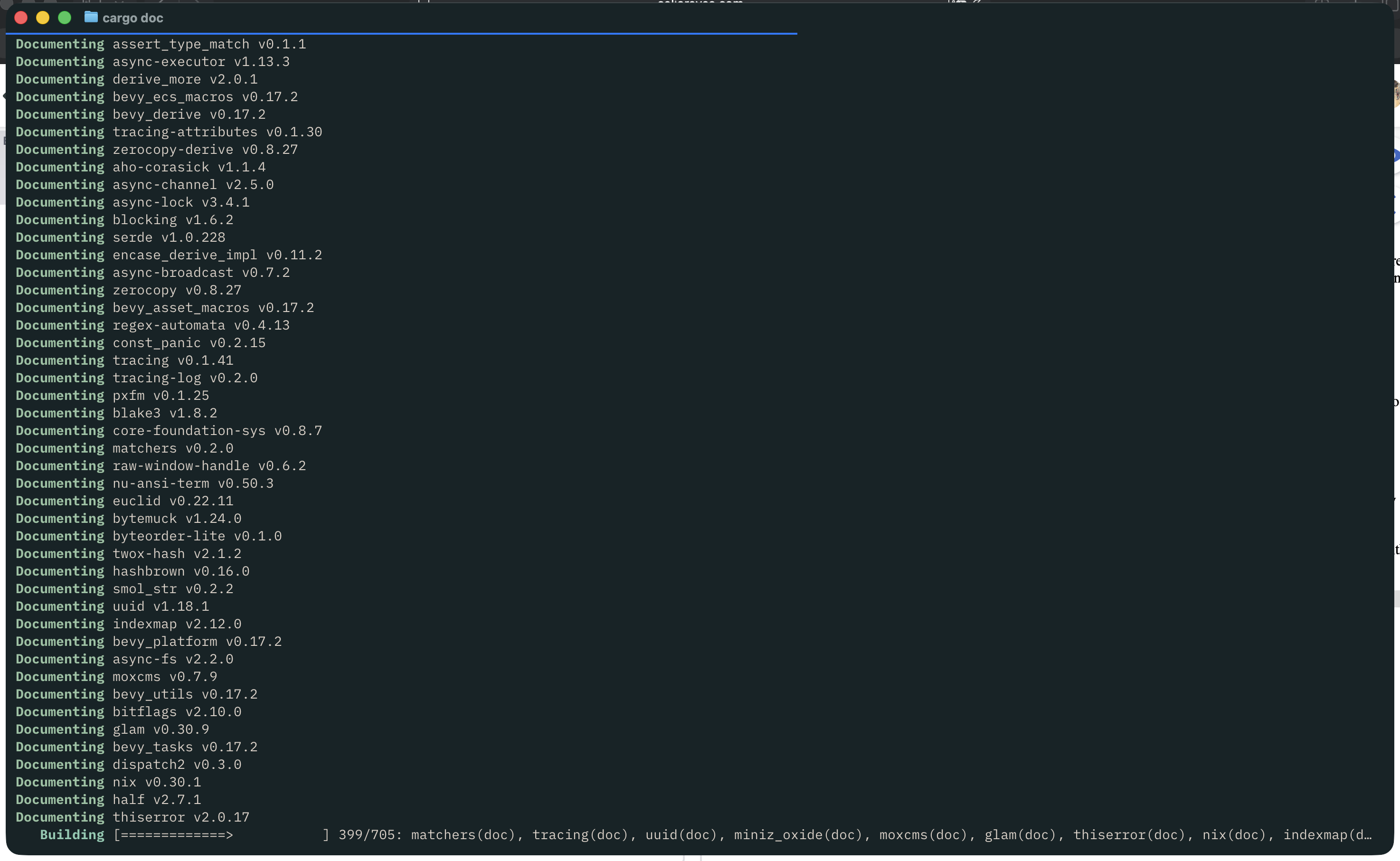
Once it finishes generating the documentation we can run cargo doc --open and it will open a website with the generated html that will allow for us to navigate the docs as if we were on the docs.rs website.

Once cargo doc --open successfully runs, it will open your default browser and load the local docs website as pictured below.
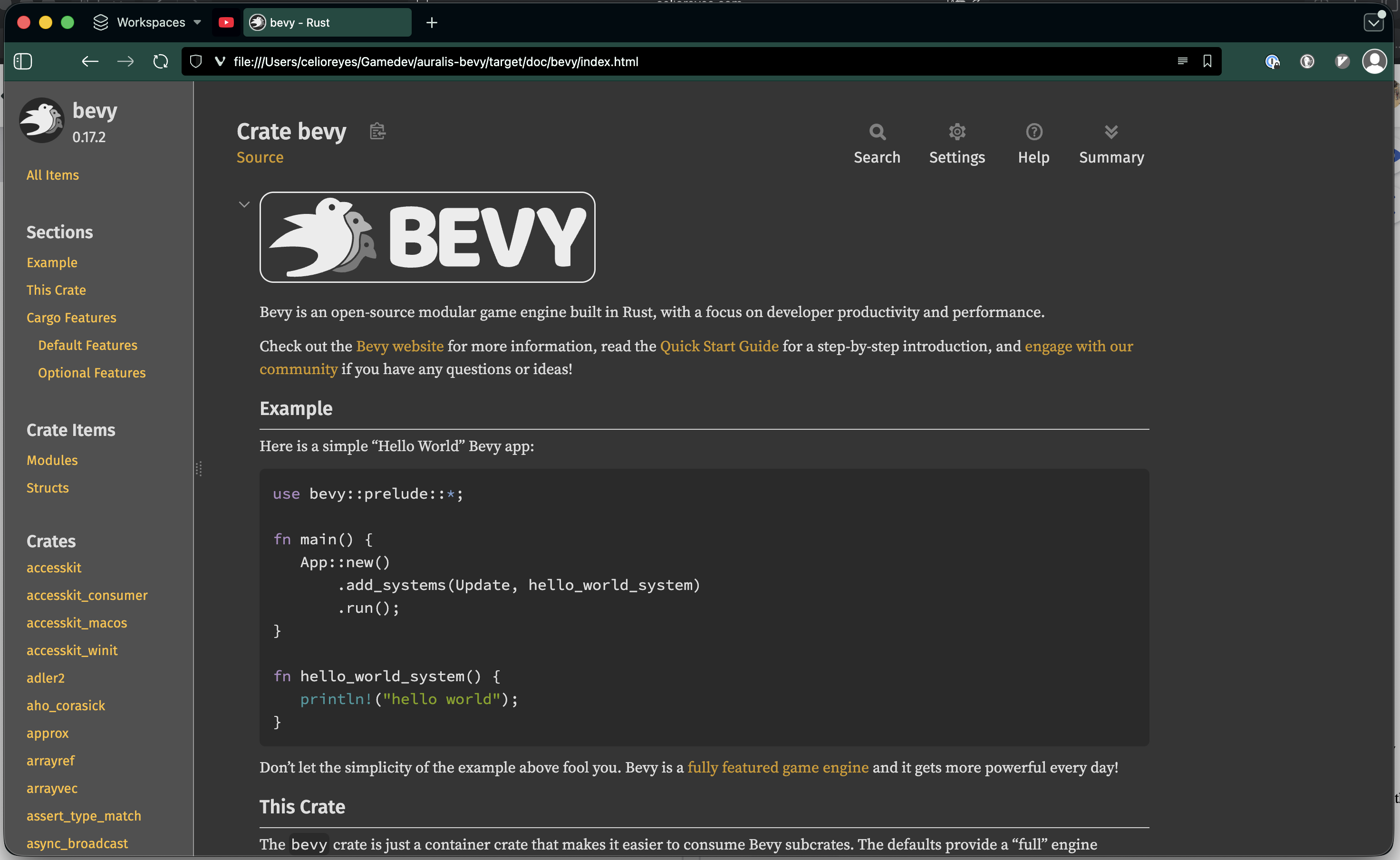
This was enough for my use case and I am happy with the results so far. I’ve been able to dive into docs for Bevy when I’m in remote areas in Mexico and while I’m on the plane. Which checks all my bullet points. Now I can poke around the documentation when I don’t have access to the internet to look up anything I’m struggling with!
Dash/Zeal
I later learned about Dash/Zeal for a offline documentation viewer, I gave it a run to get a docset generated for Bevy using this script I found but rsdoc-dashing errored out on me. I tinkered a bit but decided to move on since the cargo doc solution was enough for my use case at the moment.
If you have experience importing docs into Dash/Zeal then feel free to reach out on socials!
Until next time 👋🏼
Published 30 Dec 2025
Written by: Celio Reyes